

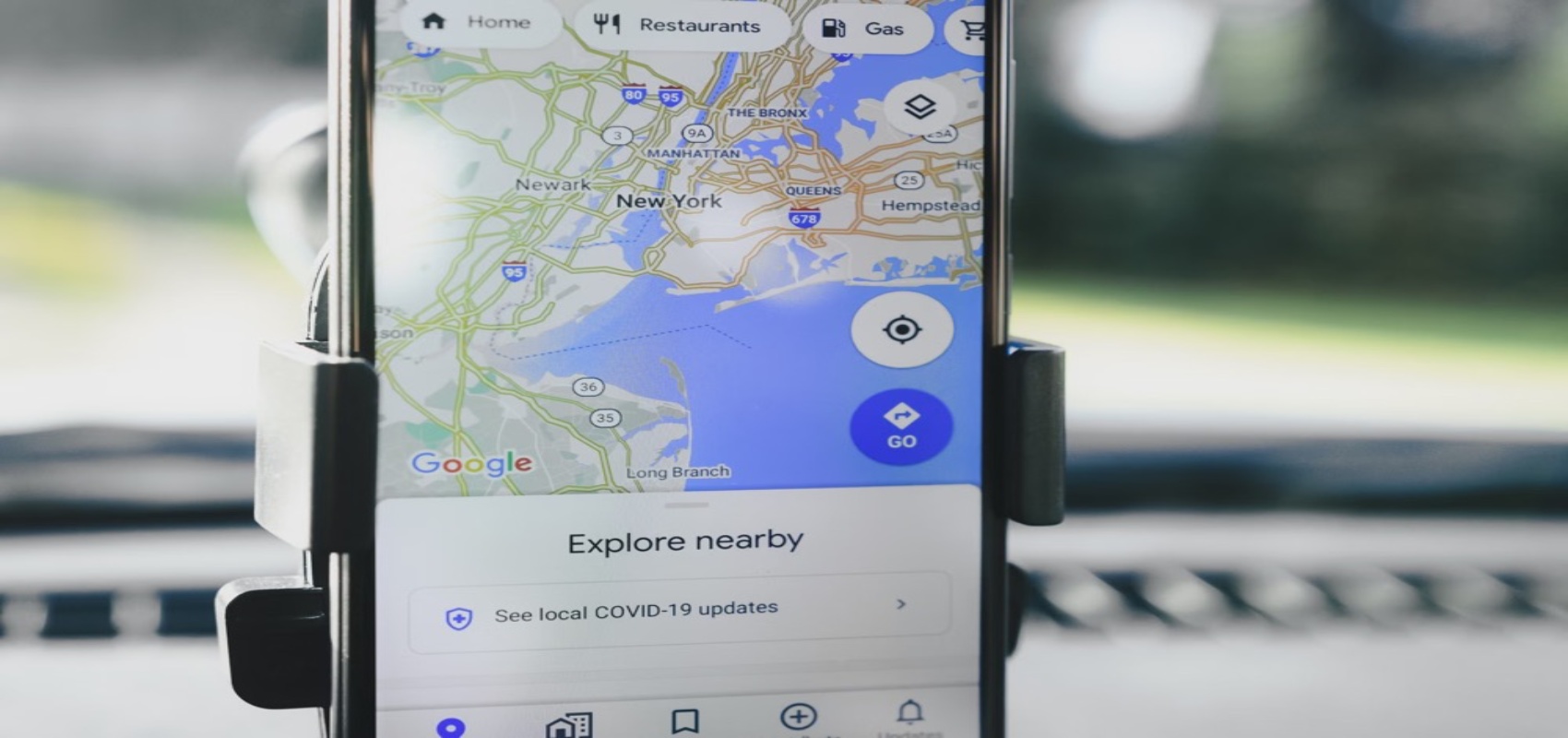

Why Google Maps Does Not Work in China and the Best Alternatives: A Practical Guide
If you’re planning a trip to China, you may be surprised to find that Google Maps doesn’t work as expected due to restrictions on Google services. This can make navigation challenging, but there are reliable alternatives like Amap, Baidu Maps, and offline navigation tools that can help you get around efficiently. In this guide, we’ll explain why Google Maps is unavailable, how to use the best alternatives step-by-step, and provide practical tips for seamless navigation in China.
Why Google Maps Doesn’t Work in China
The Problem: Google Maps is Unreliable or Unusable
Foreign travellers often assume Google Maps will work globally, but in China, it’s either inaccessible or inaccurate. Even if you manage to access it using a VPN, map data may be misaligned due to China’s unique geolocation system, making it unreliable for navigation.
Why It Happens: Internet Restrictions and Geolocation Differences
China enforces strict internet regulations, blocking many foreign services, including Google. Additionally, China uses a different geospatial coordinate system called GCJ-02, which differs from the WGS-84 system used by Google Maps. This mismatch causes location inaccuracies of up to several hundred metres, making the app unsuitable for precise navigation.
Solution 1: Using Amap (Gaode Maps)
Why Amap Is a Great Alternative
Amap, also known as Gaode Maps, is one of the most popular navigation apps in China. It offers highly accurate maps, real-time traffic updates, and public transport information. The app is available in English, making it user-friendly for foreigners.
Step-by-Step Guide to Using Amap
- Download the App: Install Amap from the Apple App Store or Google Play Store before arriving in China.
- Switch to English: Open the app, go to settings, and select English as the preferred language.
- Search for Destinations: Type in the name of your destination in English or use keywords like “hotel” or “restaurant.”
- Navigation Options: Choose between driving, walking, cycling, or public transport routes.
- Offline Maps: Download maps for the city you’re visiting to use without an internet connection.
Costs and Features
- Price: Free to download and use.
- Public Transport Integration: Includes bus and metro schedules with ticket prices (e.g., Beijing metro fares start at 3 RMB).
- Real-Time Updates: Traffic congestion and road closures are updated frequently.
Solution 2: Baidu Maps
Why Baidu Maps Is Useful
Baidu Maps is another top-tier navigation app in China, offering detailed maps and robust public transport information. While primarily designed for Chinese users, it has an English interface for basic navigation needs.
Step-by-Step Guide to Using Baidu Maps
- Download the App: Install Baidu Maps via the Apple App Store or Google Play Store.
- Switch to English: Navigate to the settings menu and select English. Note that some features may still appear in Chinese.
- Search Locations: Input the name of your destination or use landmarks.
- Plan Routes: Select your preferred mode of transport, including walking, driving, or public transport.
- Offline Mode: Download city maps for offline use, especially if you’re travelling to rural areas.
Costs and Features
- Price: Free to download and use.
- Public Transport: Includes detailed metro and bus routes (e.g., Shanghai metro fares start at 3 RMB).
- Walking Routes: Provides pedestrian-friendly paths and estimated walking times.
Solution 3: Offline Navigation Tools
Why Offline Maps Are Essential
If you don’t want to rely on apps that require internet access or have concerns about mobile data usage, offline navigation tools are a practical solution. Apps like Maps.me and OsmAnd allow you to download detailed maps for offline use.
Step-by-Step Guide to Using Offline Maps
- Download the App: Install Maps.me or OsmAnd from the Apple App Store or Google Play Store.
- Download Maps: Before your trip, download maps for the cities or regions you’ll visit.
- Search Offline: Use the app to search for destinations without needing an internet connection.
- Navigation: Follow turn-by-turn directions for driving, walking, or cycling.
Costs and Features
- Price: Maps.me is free, while OsmAnd offers a free version and a premium version starting at $9.99/year.
- Coverage: Includes major cities and rural areas.
- Battery-Friendly: Offline apps consume less battery compared to online navigation apps.
Common Mistakes to Avoid
- Relying on VPNs for Google Maps: While VPNs can bypass internet restrictions, they don’t solve the geolocation mismatch problem. Avoid using Google Maps for navigation in China.
- Not Downloading Offline Maps in Advance: Internet access can be spotty in rural areas, so always download maps before travelling.
- Ignoring App Updates: Ensure your navigation apps are updated to access the latest features and map data.
What to Do If Things Go Wrong
Scenario 1: You Can’t Access Navigation Apps
If your navigation app fails, ask for directions at hotels or tourist information centres. Most staff at international hotels speak English and can provide printed maps or advice.
Scenario 2: You’re Lost Without Internet
Use offline maps or look for landmarks to orient yourself. Alternatively, flag down a taxi and show the driver your destination written in English or Chinese (ask your hotel to prepare this in advance). Taxi fares in major cities start at around 13 RMB for the first 3 km.
In summary, while Google Maps doesn’t work reliably in China, alternatives like Amap, Baidu Maps, and offline navigation tools provide excellent solutions for navigating the country. By downloading the right apps and preparing offline maps, you can ensure a hassle-free travel experience. For tailored itineraries and expert advice, feel free to enquire about custom China travel plans.
Frequently Asked Questions
Why doesn’t Google Maps work properly in China?
Google Maps is blocked in China due to government restrictions on Google services. Even if you use a VPN, the map data may be inaccurate or misaligned due to China’s unique coordinate system, known as GCJ-02, which is different from the global standard WGS-84.
What are the best navigation apps to use in China?
The top navigation apps for China are Amap (Gaode Maps) and Baidu Maps. Both offer accurate mapping, real-time traffic updates, and public transport routes. Amap has an English interface, making it more user-friendly for international visitors.
Can I use offline maps in China for navigation?
Yes, offline maps are a reliable option in China. Apps like Maps.me and OsmAnd allow you to download maps in advance and navigate without an internet connection. These apps use open-source data and are not affected by China’s coordinate system issues.
Do I need a VPN to use navigation apps in China?
You don’t need a VPN for Chinese navigation apps like Amap or Baidu Maps, as they are not blocked. However, if you plan to use foreign apps like Google Maps or access other restricted services, a VPN will be necessary.
How can I find public transport routes in China without Google Maps?
Both Amap and Baidu Maps provide detailed public transport information, including bus, metro, and train routes. You can search for destinations in English on Amap, while Baidu Maps requires Chinese input or assistance from a translation tool.